1. Paste curriculum
ALPHATextbook pages, lesson plans or notes.
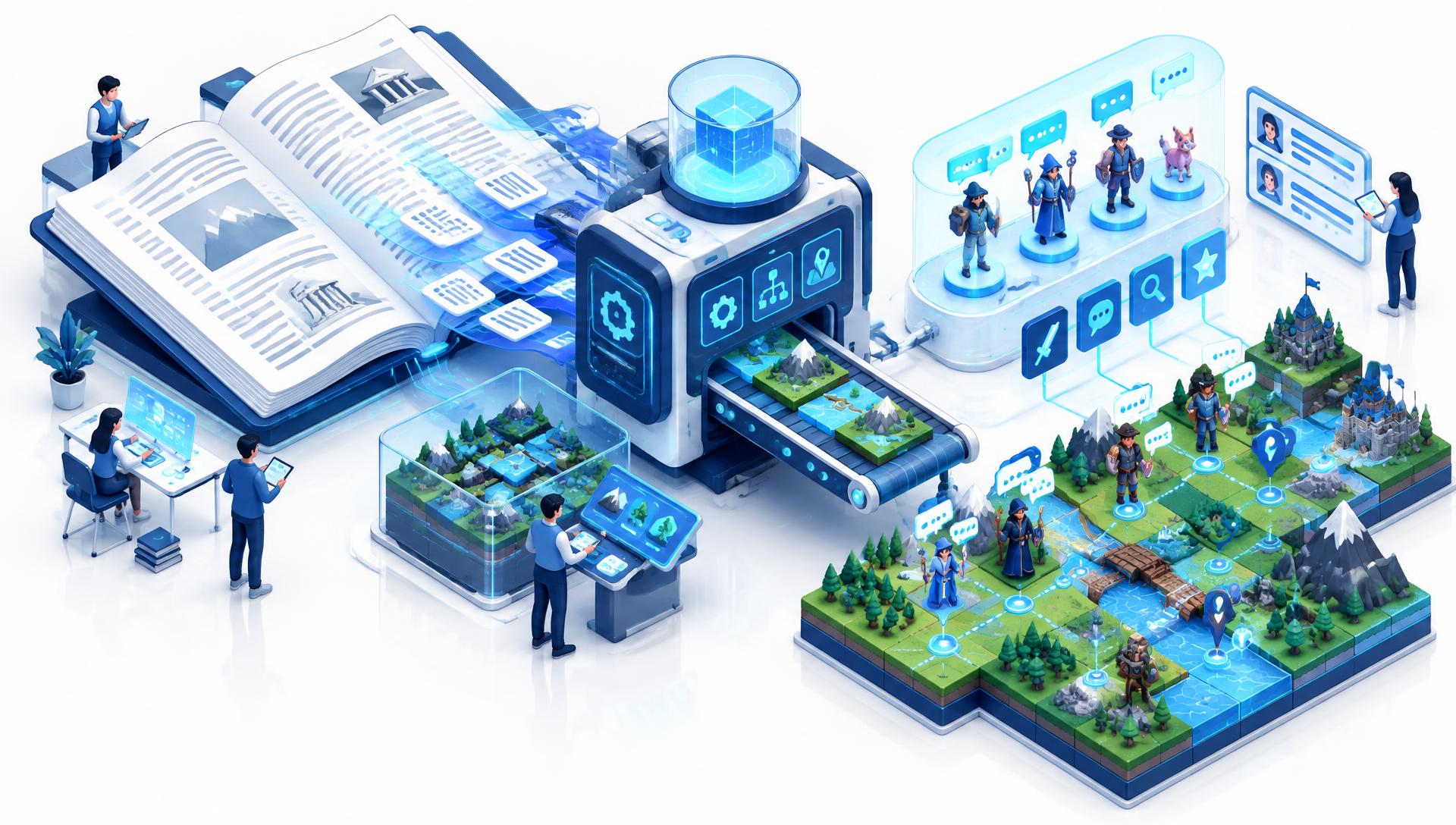
Think of Curriculum Studio as a wizard that converts curriculum into dynamic scenarios within RamQuest. Paste what you teach, step through the wizard, and edit any resulting output as needed before students ever see it.
Five guided steps from raw text to a playable quest.

Curriculum Studio turns the material you already teach into interactive learning, with you in control of every line.

Start from the curriculum you already use.

Turn one idea into multiple learning formats.

Educators decide what learners receive.
RamIQ is a product of Svive Ventures (opens in a new tab). It works alongside RamQuest (opens in a new tab), the interactive experience layer where approved concepts become playable scenarios and simulations.
Try the Quest Creation Wizard in the open alpha. Paste what you teach, shape the scenarios, and bring your class into RamQuest. Log in with your school-connected account or reach out to partner with us.
RamIQ and RamQuest are education technology products in development by Svive Ventures. RamQuest is designed to illustrate general educational concepts, including financial literacy, through interactive scenarios and simulations. Content, tools, activities and simulations are intended solely for general educational and informational purposes.
RamIQ and RamQuest are developing products. Features, interfaces, integrations, curriculum, availability and functionality may change during alpha and subsequent development. References to planned, enterprise or future functionality do not constitute commitments to release specific features or release them on a particular schedule.
RamIQ may include tools that assist educators and authorized content creators with drafting, organizing or adapting educational material. AI-assisted or automatically generated material should be reviewed by qualified educators or authorized program administrators for accuracy, suitability, alignment and applicable institutional requirements before being presented to learners.
Student privacy and responsible data handling matter in classroom settings. Practices and obligations applicable to use of these developing products should be reviewed with participating institutions.
RamQuest is not intended to provide investment, legal, tax or financial planning advice and does not constitute a recommendation, endorsement, solicitation or offer to buy or sell securities or financial products. Scenarios are simplified educational illustrations and may not reflect real market conditions, economic environments or individual circumstances. Svive Ventures and its products do not provide brokerage, investment advisory or financial planning services or securities recommendations.
The described educational products do not facilitate securities transactions, account openings, investment management or the purchase or sale of financial instruments. No registered investment adviser, broker-dealer, financial planner or financial-service-provider status is represented by this website.
Do not rely on educational simulations as a substitute for professional financial, legal or tax advice. Consult appropriately licensed professionals before making real financial decisions.
Nothing on this website constitutes an offer to sell or a solicitation of an offer to buy securities. Any offering, if made, will be available only through official offering materials. Investing involves risk, including the possible loss of principal.